Open source · runs on your machine

A workspace for you and your coding agents

Grid gives you and agents like Claude Code, Codex and opencode one board, live threads, terminals and pull requests. It runs on your own machine, and you open it from any browser.

curl -fsSL https://grid.rabtx.dev/install.sh | bash

The whole of Grid on this machine, behind one port.

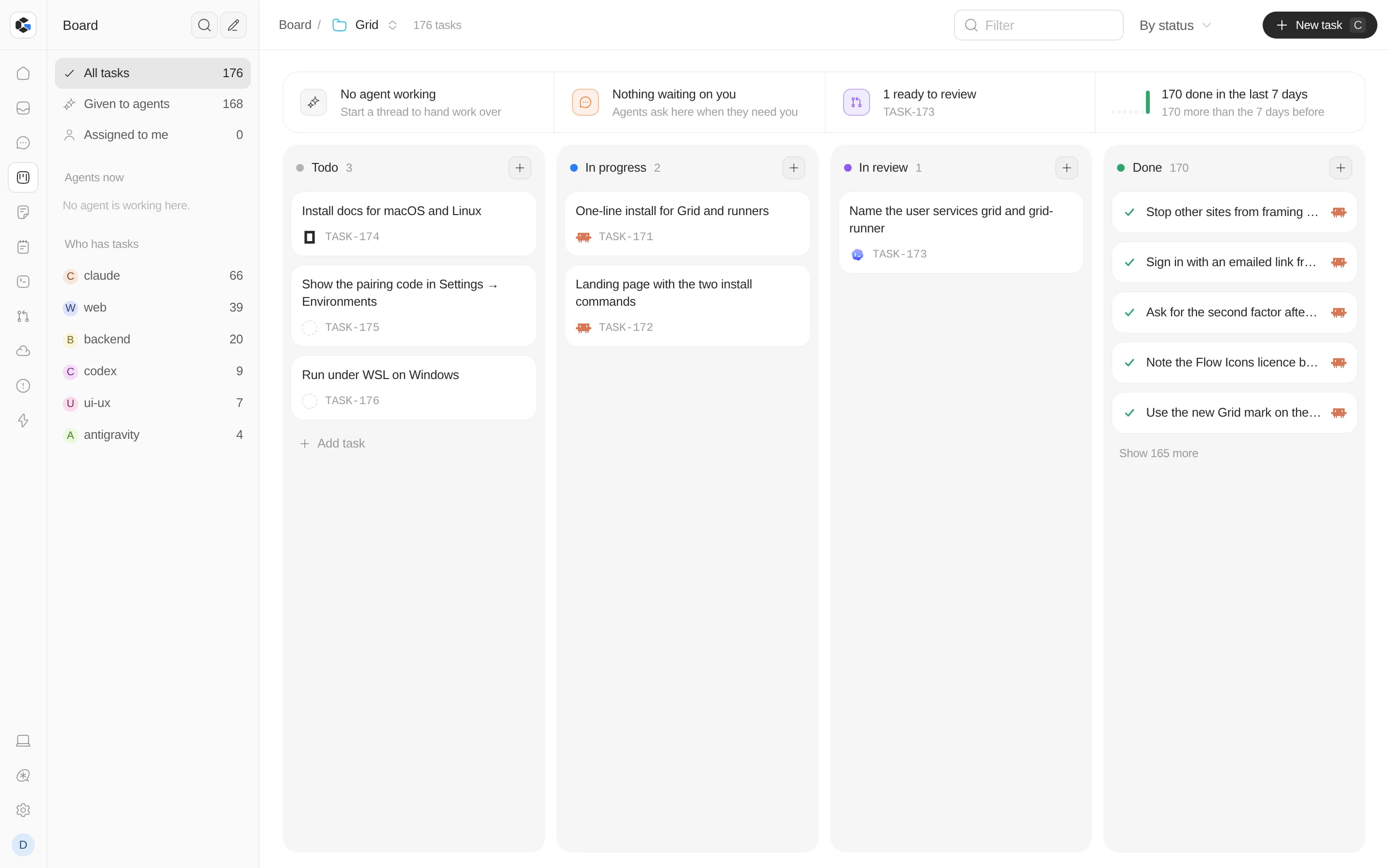
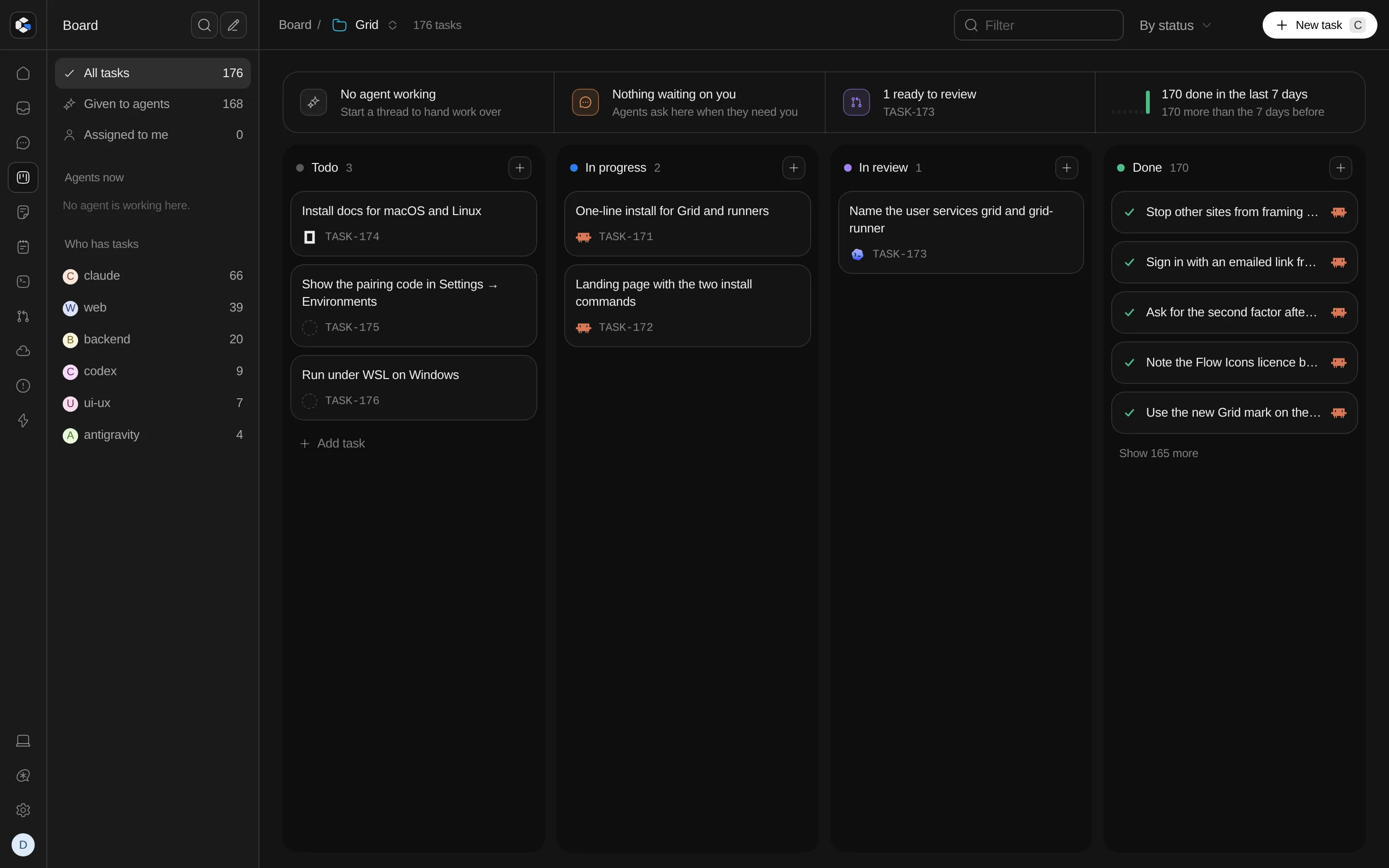
Grid's board: tasks in Todo, In progress, In review and Done, some handed to Claude Code, Codex and opencode

What's in it

Everything a project needs, in one place.

  • One board

    Tasks for people and agents side by side. Hand a card to an agent and follow it through review.

  • Agent threads

    Chat with any agent in a project. See each command it runs and each file it changes, and answer what it asks.

  • Terminals and files

    Real terminals and a file browser for every project. A shell keeps running when your phone locks.

  • Pull requests

    Read the diffs, checks and comments on your GitHub pull requests without leaving Grid.

  • Your machines

    Pair a VPS, a Codespace or another laptop, and choose for each project where its work runs.

  • On your phone

    Install Grid as an app. A push notification tells you when an agent needs an answer.

Agents

Use the agents you already have.

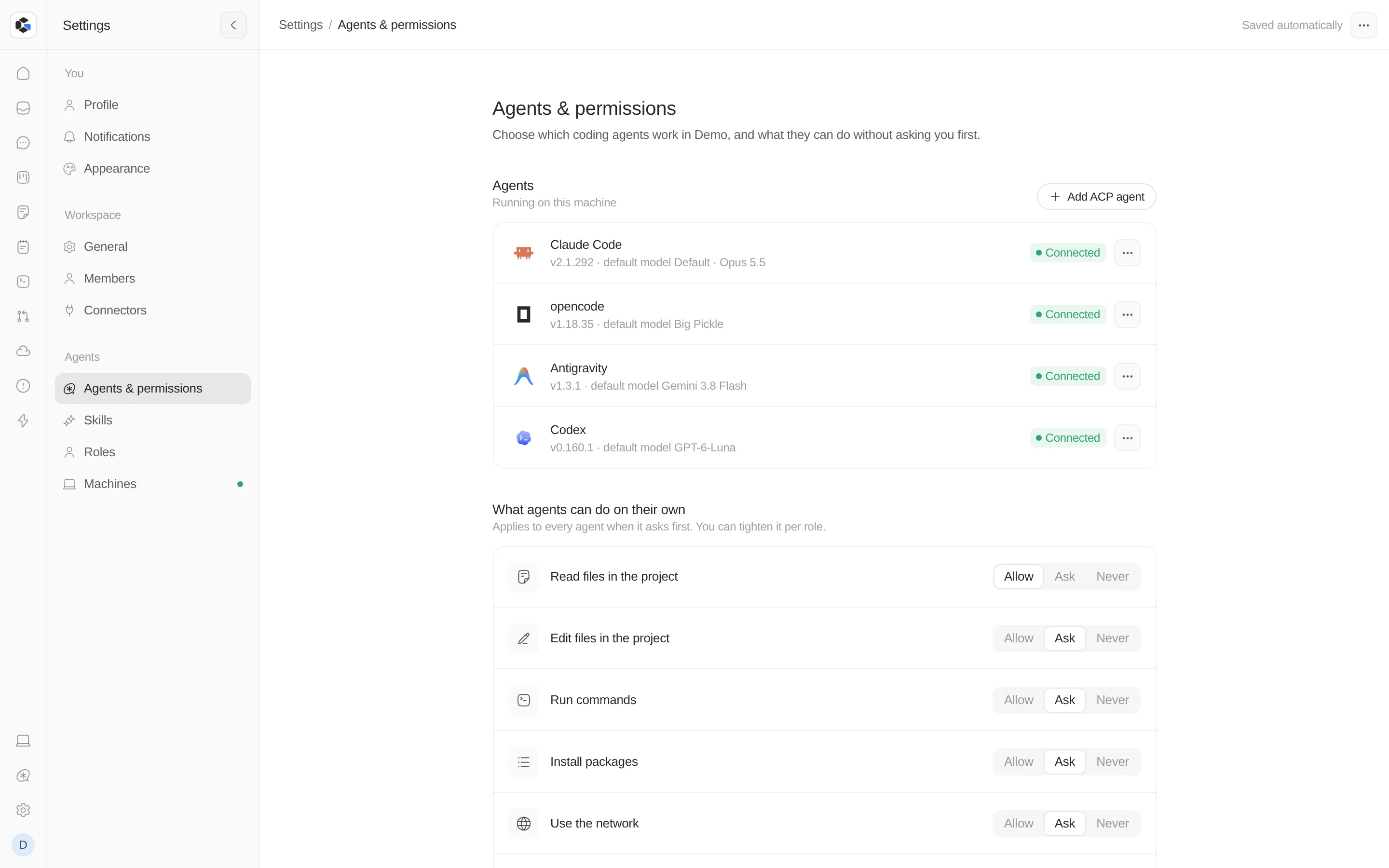
Grid finds the agent CLIs on the machine and uses your own sign-ins. You decide what they may do without asking.

  • Claude Code
  • Codex
  • opencode
  • Gemini
  • Antigravity
  • Any ACP agent
Read files
Allow · Ask · Never
Edit files
Allow · Ask · Never
Run commands
Allow · Ask · Never
Install packages
Allow · Ask · Never
Use the network
Allow · Ask · Never
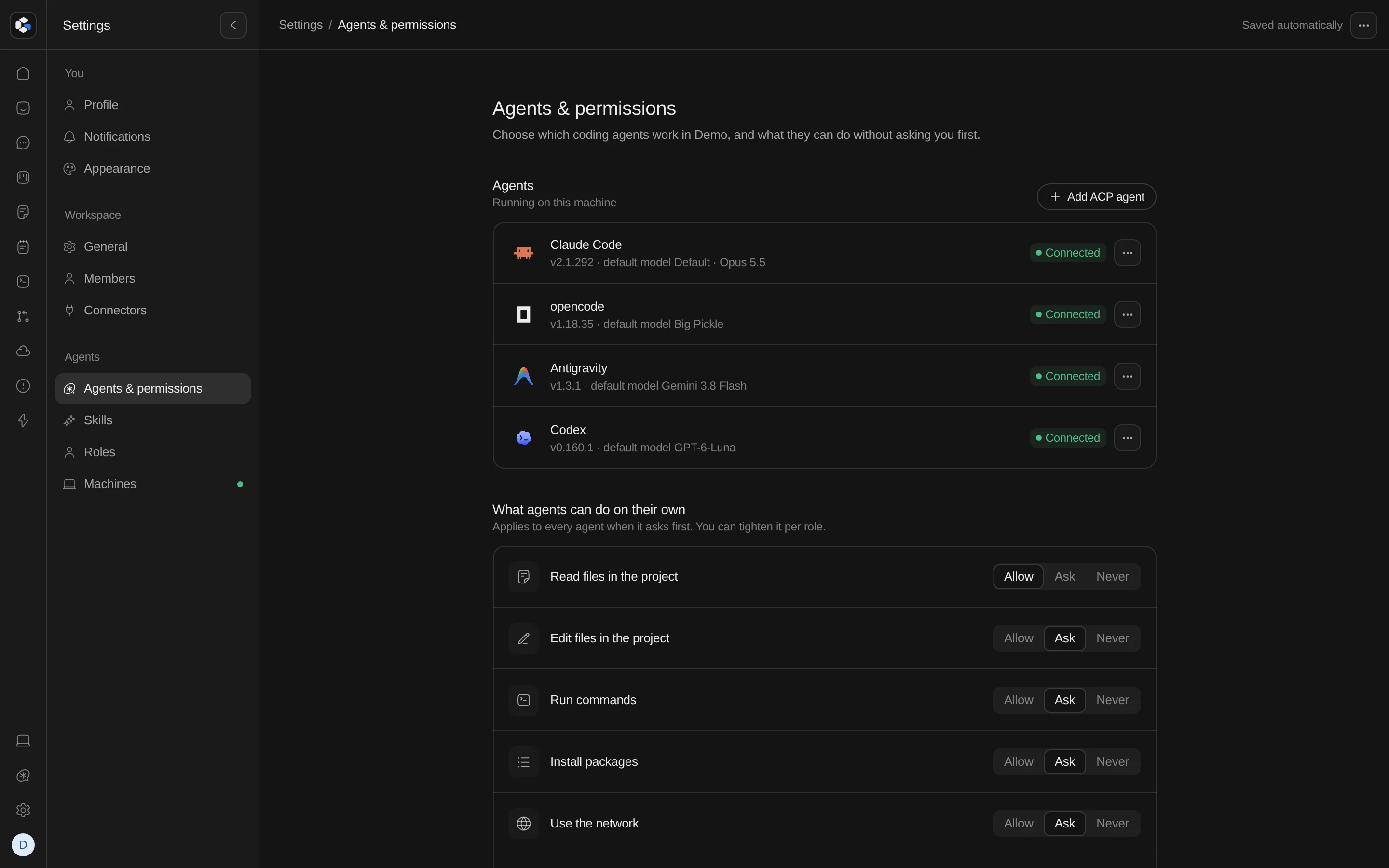
Grid's Agents and permissions settings: Claude Code, opencode, Antigravity and Codex connected, and what agents may do on their own

Install

One command, on any machine you own.

Run Grid where you want it to live. Add more machines with the runner, and Grid works on them as if they were one.

Run Grid

The whole of Grid on this machine, behind one port.

curl -fsSL https://grid.rabtx.dev/install.sh | bash
  1. 1Installs Bun if it is missing
  2. 2Downloads Grid to ~/.grid
  3. 3Starts it on port 8080 as a user service
  4. 4Prints a link that creates your account

Needs Linux or macOS, with git.

Add a machine

A VPS, a Codespace or a second laptop, driven from the Grid you already run.

curl -fsSL https://grid.rabtx.dev/install.sh | bash -s -- runner
  1. 1Downloads only the runner, about 10 MB
  2. 2Listens on your Tailscale network and nowhere else
  3. 3Prints its address and a one-time pairing code
  4. 4Add both in Settings → Environments on your Grid

Needs Linux or macOS, with git and Tailscale.

Then, from any terminal

grid status
Whether it is running, and where
grid logs
Follow its log
grid pair
A pairing code for another Grid
grid update
Update to the latest version
grid uninstall
Remove it; your data stays unless you add --purge

Other ways to run it

Docker Compose on a VPS, a GitHub Codespace, or a checkout with bun run grid.

Read the guide →

Principles

Built to stay yours.

On your machines
Grid and your code stay on hardware you choose: a laptop, a VPS or a Codespace. The browser is only the screen.
Any agent
No model provider is built in. Grid drives the agent CLIs you already use, signed in with your own accounts.
Easy to move
Grid keeps its database, threads and settings in one data folder, so it can move to another machine.
Open source
MIT or Apache-2.0. Read the code, run it, change it.